Let tables order the moment they sit down
On a busy night, tables wait to be noticed before they can order. With a QR code on every table, guests open your menu, order and pay on their phone, and the ticket goes straight to the kitchen and bar.
Built for the shift, not the demo
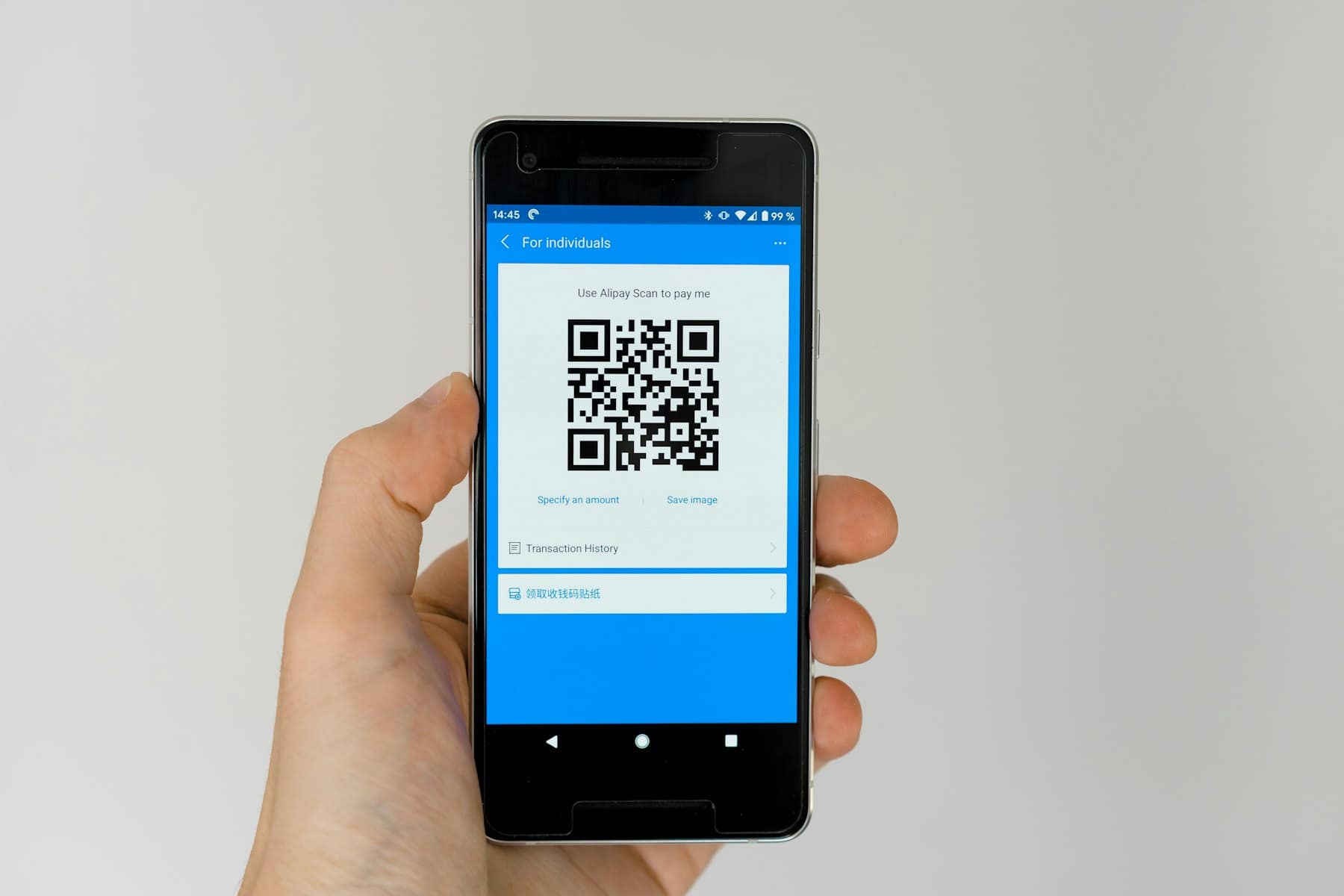
Each table has its own QR, which can be engraved on a metal plate and never needs reprinting.
Your own menu, colours and logo, with sizes, measures, mixers and extras.
A public allergen page and a banner on every menu.
Happy Hour and discount codes apply automatically at checkout.
A table that is already eating can add to its order, and the kitchen sees it as a running order.
Opening and kitchen hours are applied, so food cannot be ordered after the kitchen closes.
Scan, order, pay. Then eat.
The code on the table opens your menu on their phone. Sizes, extras and notes, then Apple Pay or a card. The kitchen ticket prints the moment the payment is confirmed.
How it runs on a busy service
- 1Scan at the table
The guest scans the code on the table. Your menu opens in their browser, no app to download.
- 2Order and pay
They pick dishes, extras and drinks, and pay by card, Apple Pay or Google Pay. Offers apply on their own.
- 3Tickets go out
Food prints or shows in the kitchen, drinks at the bar. A second order is marked as a running order.
- 4After paying
The guest sees a short review link. You see the order in your live takings.
Every order lands in the same dashboard
Takings by table, food against drinks, top dishes, extras and kitchen notes counted. A nightly email, and an assistant you can ask on WhatsApp or Telegram.
QR order & pay, answered plainly
- Do guests need an app?
- No. The menu opens in the phone's browser from the QR code.
- Will I need to reprint the codes?
- No. Each table's code is permanent, so it can be engraved on a metal plate and left in place.
- What happens if the wifi drops?
- QR ordering pauses for guests until the connection returns, and nothing is charged twice.
- Can I still take orders from waiters?
- Yes. The waiter POS and QR orders feed the same kitchen and the same tabs.
- Where is it running today?
- Brilliant Gastro in Southall, London takes QR orders every service on Tradeinit.
- How much does it cost?
- Pricing starts at 30 pounds a month per venue, with card fees separate. See pricing for the details.
Put your menu on every table
Your menu, your colours, your codes. Set up remotely in a day.